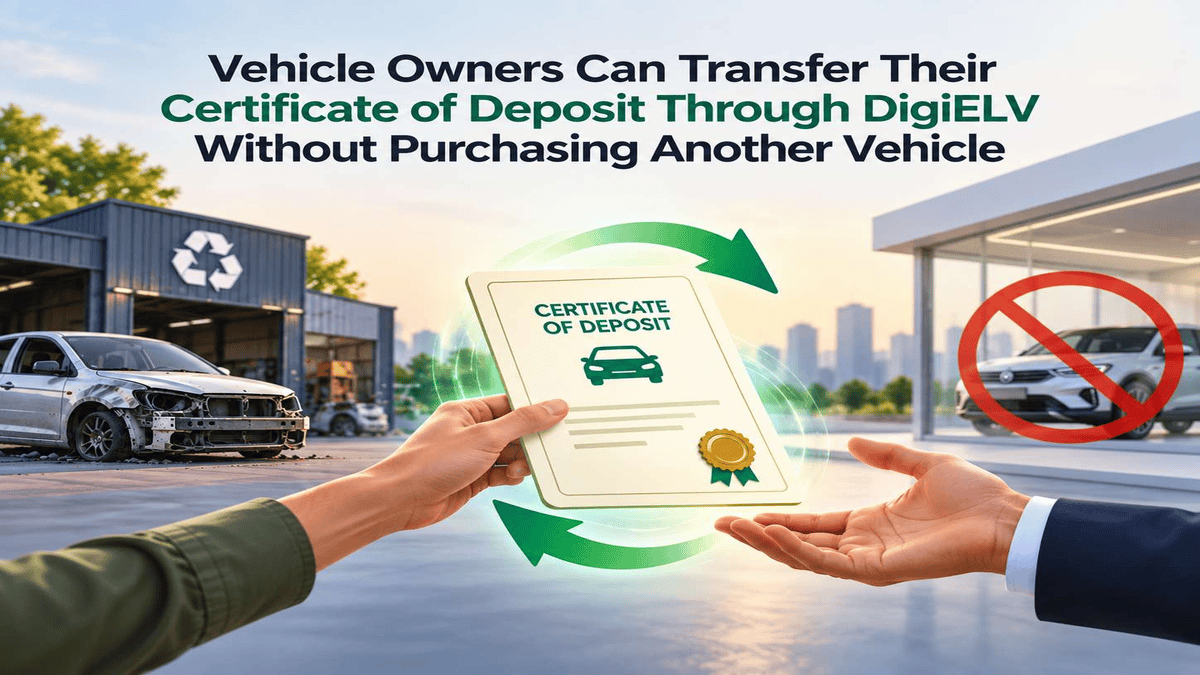
A vehicle owner who has scrapped a car does not have to buy another vehicle to use the Certificate of Deposit issued from that scrappage. The Certificate of Deposit can be traded electronically and transferred to another holder, who can use it when purchasing an eligible new vehicle.
For an owner who is not planning another vehicle purchase, this provides a way to sell the Certificate of Deposit instead of leaving it unused. The process starts on the government V Scrap Parivahan portal and continues on DigiELV, where the certificate is listed, offered to buyers and transferred digitally.
A Certificate of Deposit can be transferred without buying a new vehicle
A Certificate of Deposit is issued when a vehicle is accepted for scrapping by a Registered Vehicle Scrapping Facility. The certificate is generated digitally through the V Scrap portal when the vehicle is scrapped.
After the vehicle gets scrapped, the user gets another certificate called “Certificate of Vehicle Scrapping”.After the vehicle gets scrapped, the user gets another certificate called “Certificate of sVehicle Scrapping. The Certificate of Deposit is the document associated with the benefits available when an eligible new vehicle is purchased and is the certificate that can be traded.
An owner who plans to purchase another vehicle can use the Certificate of Deposit directly. An owner who does not plan another purchase can select Trade on V Scrap and transfer the certificate to another holder instead.
A Certificate of Deposit is valid for 3 years from the date of issuance. The validity period does not restart when the certificate is transferred to another holder.
The Trading Process Begins With Registration
The owner first logs in to V Scrap and opens the Certificate of Deposit linked to the scrapped vehicle. The certificate should be valid and unused before the trade is started. The owner then selects Trade, which takes the transaction to DigiELV.
On DigiELV, the owner selects Login/Register and chooses CD Owner Registration. The owner enters the Certificate of Deposit number, provides the required details and documents, accepts the terms and conditions, and submits the registration.
After registration, the owner logs in and completes the profile by adding bank details. The Certificate of Deposit is then available under List of CDs.
Owner Can Now List the Certificate of Deposit For Sale
From List of CDs, the owner selects Sell this CD, enters the selling price and creates the offer. The CD number identifies the certificate, while the asking price is entered within the minimum and maximum range set by the platform.
The offer can then be viewed by potential buyers. Under the Bilateral route, buyers submit offers that the seller can review against the listed price. The seller can accept an offer or cancel the sale, DigiELV asks the seller to confirm the transaction before the accepted offer is recorded.
DigiELV also provides an Instant Sell option. The seller can select it from List of CDs to sell the certificate without negotiation at the available market price. Once confirmed, the trade is executed and the certificate is transferred.
Buyers Can Find Certificates of Deposit By Vehicle Category
The buyer's process starts directly on DigiELV. After registering as a CD buyer and completing the required profile, the buyer adds funds through Fund Management before making a purchase offer.
The buyer then goes to View Market Offers and explores available offers by vehicle category. After selecting a specific vehicle category, the buyer can view the CD wise offers available within that category. The selected category should correspond to the type of new vehicle the buyer intends to purchase.
After finding a suitable Certificate of Deposit, the buyer confirms the price and selects Create Bid. In the Bilateral route, the seller reviews the bid and accepts it before the certificate is transferred.
Once the seller accepts the bid, the Certificate of Deposit is transferred to the buyer. The buyer can view or download the Transfer Certificate and Original Certificate of Deposit from List of CDs. The same documents and purchase invoice are available through Transaction History > Purchases.
How Buyers Can Utilise a Transferred Certificate of Deposit
After receiving the certificate, the buyer can access it under My Active CDs and select Utilize CD when using it for an eligible new vehicle purchase. DigiELV states that the available benefits are subject to state regulations.
The buyer can use the transferred Certificate of Deposit when purchasing an eligible new vehicle. The benefits come from two sources: government rules and vehicle manufacturers. The government provides a registration fee waiver and motor vehicle tax concession, while manufacturers offer a separate discount.
- Motor vehicle tax concession: GSR 720(E), dated 5 October 2021, allows states to offer up to 25% concession for non-transport vehicles and up to 15% for transport vehicles. Few states are offering upto 50% road tax rebates for scrap vehicles built to BS-II or earlier standards.
- Registration fee waiver: GSR 714(E), dated 4 October 2021, waives the registration certificate issue fee when a vehicle is registered against a Certificate of Deposit.
- Manufacturer discount: Vehicle manufacturers have separately committed to CD-linked discounts. For CDs, the discount is upto 2.75% of ex-showroom price for commercial cargo vehicles above 3.5 tonnes, 1.25% for those below 3.5 tonnes, and 1.5% or ₹20,000, whichever is lower, for passenger vehicles
Once the Certificate of Deposit is utilised at the dealer level, it is marked "Cancelled" in the VAHAN database by the regional transport office or dealer providing the benefit. The Transfer Certificate is also validated at the time of utilisation.